
Download Winmail dat Viewer Pro Edition – Secure Winmail.dat Viewer for Windows
Overview
Winmail dat Viewer Pro Edition is a dedicated desktop utility designed to open, read, and extract the contents of legacy Winmail.dat files that are still occasionally delivered by older Microsoft Exchange servers or Outlook 2003‑2010 clients. While modern Outlook versions have moved away from the proprietary TNEF (Transport Neutral Encapsulation Format) attachment, many businesses and individuals still receive these files as a by‑product of legacy email workflows. The Pro edition goes beyond the free version by adding batch processing, high‑resolution preview, and the ability to export attachments directly to a chosen folder without leaving a trace on public or shared computers.
Its interface follows a familiar Windows‑style layout, making it easy for users of any technical level to quickly locate the embedded calendar events, contacts, or rich‑text documents hidden inside a .dat attachment. Because the application runs locally, it offers a secure, offline environment—no internet connection is required, which is ideal for corporate policies that restrict cloud‑based file conversion services. Whether you are a system administrator needing to audit old email archives, a legal professional extracting evidence, or a casual user who simply wants to read a mis‑routed invitation, Winmail dat Viewer Pro Edition provides a reliable, fast, and secure way to access the data without compromising your workflow.
Key Features
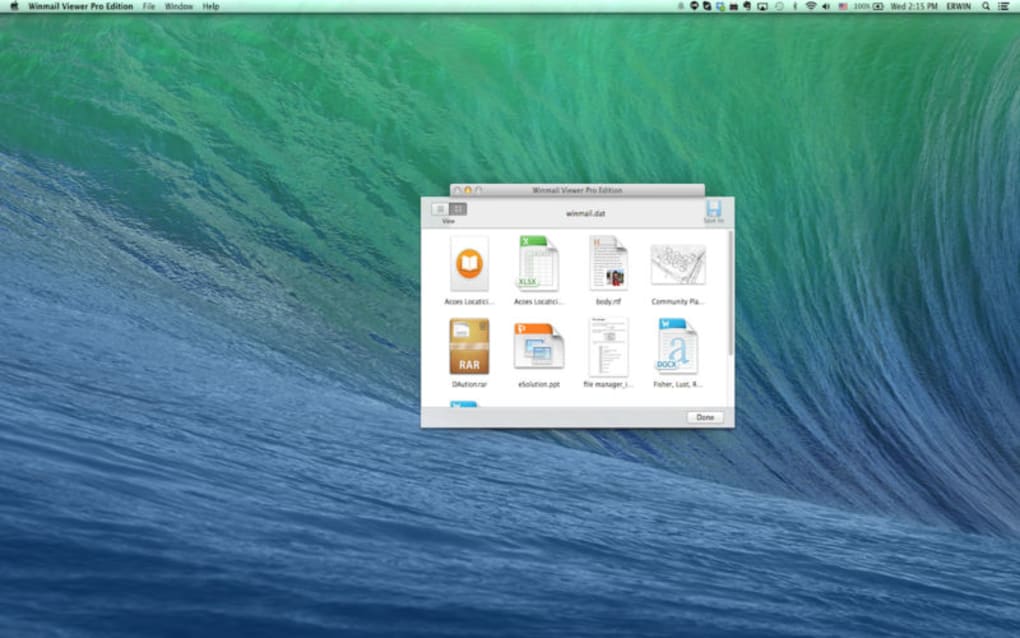
- Full‑screen preview of all TNEF‑encoded elements, including embedded images, calendar invites, and rich‑text notes.
- Batch processing – drag and drop multiple
.datfiles to convert them in one operation. - One‑click export – save extracted attachments directly to a user‑defined folder without temporary files.
- Secure offline mode – no internet connection or third‑party servers are used, keeping your data private.
- High‑resolution rendering – preserves original formatting, fonts, and colors for professional documents.
- Integration with Windows Explorer – right‑click any
.datfile and select “Open with Winmail dat Viewer Pro”. - Automatic update notifications – stay current with the latest security patches and feature enhancements.
- Multi‑language support – UI available in English, Spanish, French, German, and Chinese.
- Lightweight installer – less than 8 MB, quick installation, and minimal impact on system resources.
- Comprehensive help center – searchable knowledge base and video tutorials built into the app.
Installation, Usage & Compatibility
Step‑by‑Step Installation
Downloading and installing Winmail dat Viewer Pro Edition is straightforward. First, click the “Download” button on the official product page. The installer file (WinmailViewerProSetup.exe) is digitally signed, ensuring a safe, tamper‑free download. Run the executable and follow the on‑screen prompts: accept the End‑User License Agreement, choose an installation folder (the default location works for most users), and decide whether to create a desktop shortcut. After a brief extraction process, the application launches automatically.
How to Use the Viewer
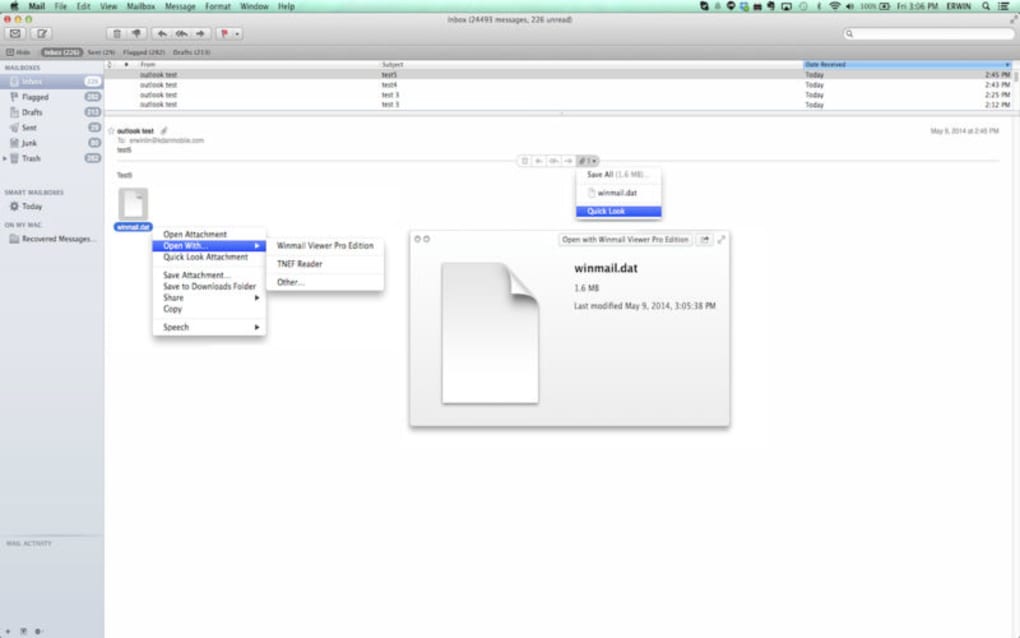
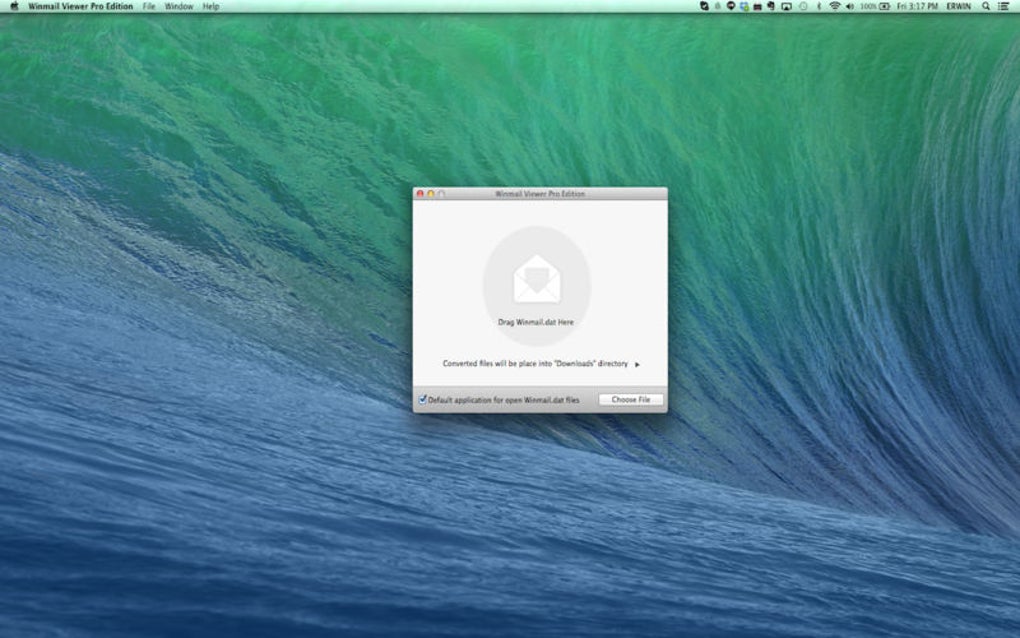
Once installed, opening a .dat file is as simple as double‑clicking it in Windows Explorer or using the built‑in “Open File” dialog. The main window displays a hierarchical tree view of the file’s contents on the left, while the right pane renders the selected item in its native format. For attachments, click the “Export” button to choose a destination folder. The batch mode works by selecting multiple files in Explorer, right‑clicking, and choosing “Open with Winmail dat Viewer Pro”. The program then processes each file sequentially, showing progress bars and allowing you to pause or cancel at any time.
System Requirements
Winmail dat Viewer Pro Edition runs on Windows 7, Windows 8, Windows 10, and Windows 11 (both 32‑bit and 64‑bit). The application requires .NET Framework 4.7.2 or later, which is included in modern Windows installations. Minimum hardware specifications are modest: a 1 GHz processor, 512 MB RAM, and 20 MB of free disk space for the program and temporary files.
Because the tool works entirely offline, there are no additional dependencies on internet browsers or external plugins, making it ideal for use on locked‑down corporate machines or public computers where installing extra software is prohibited. If you need to run the viewer on a virtual machine, it behaves identically as long as the host OS meets the above requirements.
Pros & Cons
Advantages
- Secure, offline processing protects sensitive email data.
- Batch conversion saves time for large archives.
- High‑resolution preview maintains original formatting.
- Lightweight installer with minimal system impact.
- Integrated right‑click Explorer context menu for quick access.
- Regular automatic updates keep the software current.
Drawbacks
- Only available for Windows; no native macOS or Linux version.
- Requires a paid license after a 14‑day trial period.
- Saving extracted files may be restricted on locked‑down workstations.
- No built‑in cloud sync; all files stay local.
Frequently Asked Questions
Can Winmail dat Viewer Pro open encrypted Winmail.dat files?
The viewer can display the contents of standard TNEF files, but it does not decrypt password‑protected or S/MIME‑encrypted attachments. For encrypted files you must first decrypt them using the original email client or a compatible decryption tool.Is there a portable version that can run from a USB stick?
Yes, the developer offers a portable ZIP package that requires no installation. It works on any Windows PC as long as the .NET runtime is present.What file formats can I export to from a Winmail.dat attachment?
Attachments are saved in their original format (e.g., .pdf, .docx, .jpg). Calendar invites are exported as .ics files, and rich‑text notes can be saved as .rtf or .txt.Does the Pro edition support command‑line automation?
Yes, a silent‑mode CLI is included for enterprise deployments. You can script batch conversions using parameters for input folder, output folder, and log file location.How often are updates released?
The development team releases minor updates every 4–6 weeks and major feature releases roughly twice a year. Update notifications appear within the app, and you can download patches manually from the website.Conclusion & Call to Action
Winmail dat Viewer Pro Edition fills a niche that many modern email tools have left behind. By offering a secure, offline environment, high‑quality previews, and powerful batch processing, it equips IT professionals, legal teams, and everyday users with the means to access legacy .dat files without exposing sensitive information to cloud services. While the lack of native macOS or Linux support limits its audience, Windows users will find the application intuitive and lightweight. The modest price point of $19.99 reflects the specialized functionality and ongoing support, making it a worthwhile investment for organizations that still grapple with legacy email archives.
If you need a reliable way to open, extract, and save the contents of Winmail.dat files, download Winmail dat Viewer Pro Edition today. Start with a free 14‑day trial, explore the batch conversion tools, and decide whether the Pro features meet your workflow requirements. Click the button below to begin your secure, hassle‑free experience.
Download Winmail dat Viewer Pro Edition
Pros: Secure offline processing, batch conversion, high‑resolution preview.
Cons: Windows‑only, requires license after trial.







